Overview
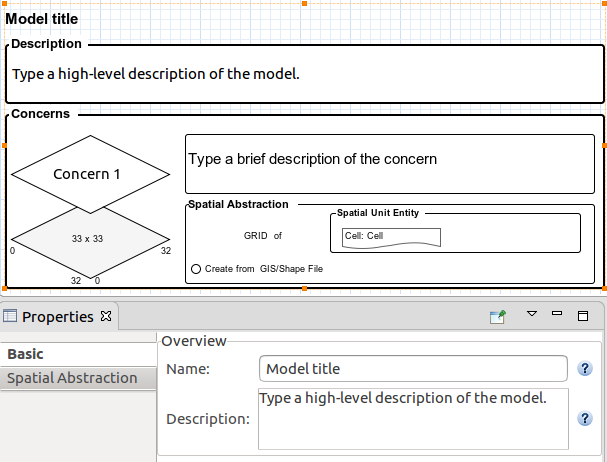
The overview diagram points out the purpose of the simulation and any other essential information to provide a broad picture of the simulation being modeled.
It is composed of the simulation title and description, and its concerns. A diamond represents each concern, with its description beside it.
If there is more than one concern, they are shown as a stack to emphasize that they represent the decomposition of the simulation into conceptual layers.
The bottom layer represents the spatial abstraction of the environment in which there are situated entities.
Fig. 1 shows the overview diagram with the properties view where the diagram title and description can be set.
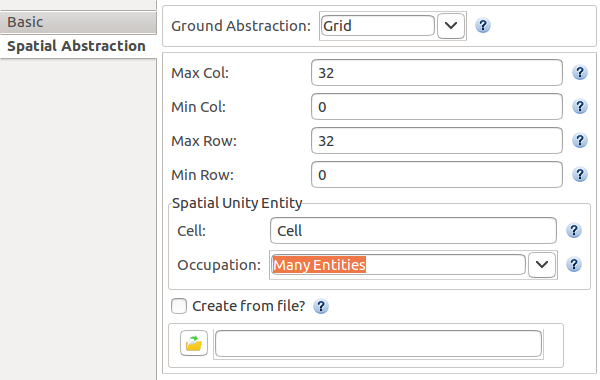
To specify the environment in which all other situated entities are located, the ABStracme tool uses the spatial abstraction. Spatial Abstraction is the ground of the simulation and is discretized in spatial units. A Spatial Unit is a particular type of entity in which other objects of the environment can be situated.
There are three types of spatial abstractions, each of them with its particular spatial unit:
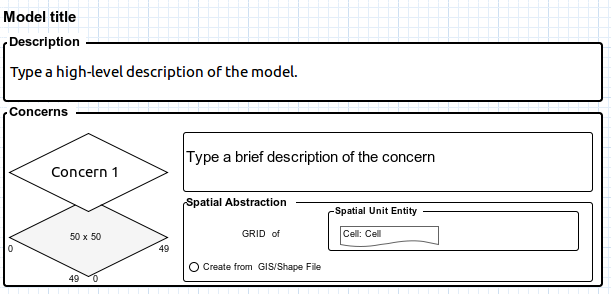
i) A grid composed of cells(GridCell), as shown in Fig. 2 and Fig. 3.
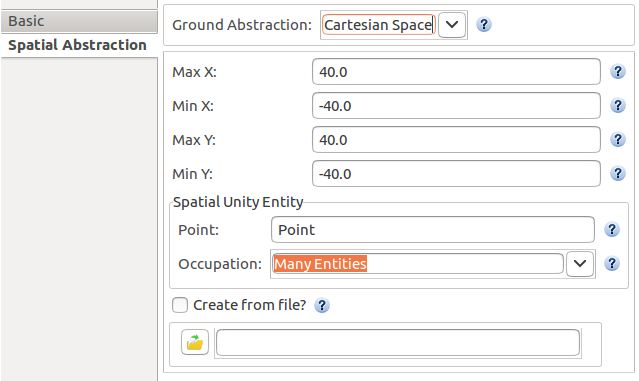
ii) Cartesian Space composed of points (Cartesian2DPoint), as shown in Fig. 4 and Fig. 5.
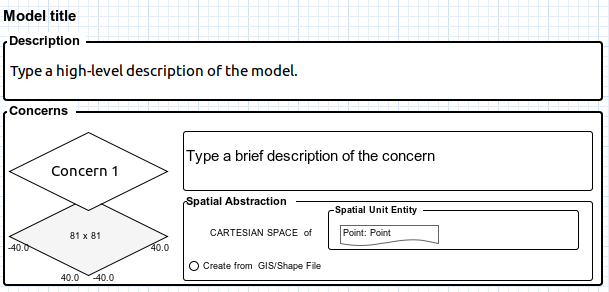
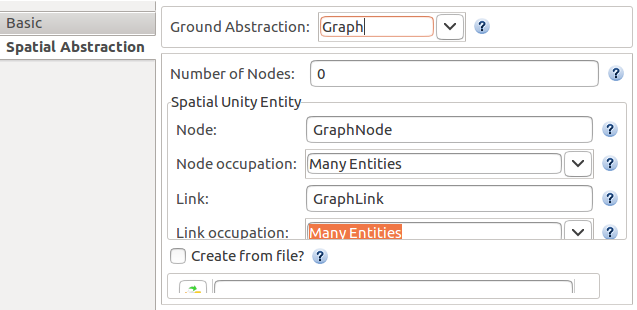
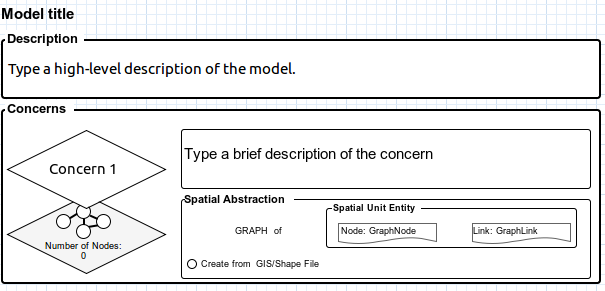
iii) Graph composed of links and edges (GraphLink and GraphEdge), as shown in Fig. 6 and Fig. 7.
Palette
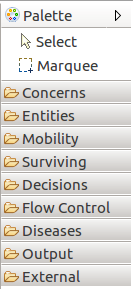
The palette is where all the elements of the model can be chosen to be set on the diagram.
The overview of the palette is shown in Fig. 8.
Concerns
Concerns are seen as a decomposition of a concept of the model. They represent a decomposition of the base concern, the spatial abstraction.
Fig. 9 shows all the objects related to the concerns that can be managed on the ABStractme Tool.
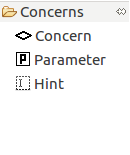
Fig. 10 shows how the concerns appear on the overview diagram, as a decomposition of the spatial abstraction.
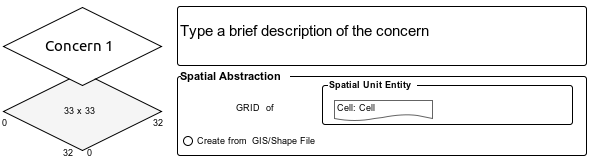
Each concern is described in a separate diagram.
Each concern has a title and description and can be composed of parameters and entities, which are not shared with other concerns by default.
The parameters are values that define an experimentation scenario.
Fig. 11 shows the box that represents the parameters on the diagram.

Fig. 12 shows how to define the parameter name and type in the properties, the cardinality cannot be changed in the case of parameters.
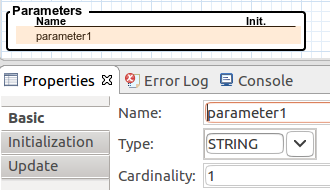
Fig. 13 shows the initial value properties section of the parameters, unlike attributes, the update section of parameters cannot be set.

Hints are used to show any information that might be useful to document the simulation model.
Fig. 14 shows the box that represents the hints on the diagram.
